


A customer emails asking why their invoice shows $1,094.67 in tax. Your controller wants to know why a Florida sale didn't collect Florida tax. Your CPA needs the breakdown on a handful of orders before a review.
Until now, the honest answer was to trust the total or rebuild it in a spreadsheet. Most sales tax tools give you one number and stop there.
Now you can see the work.
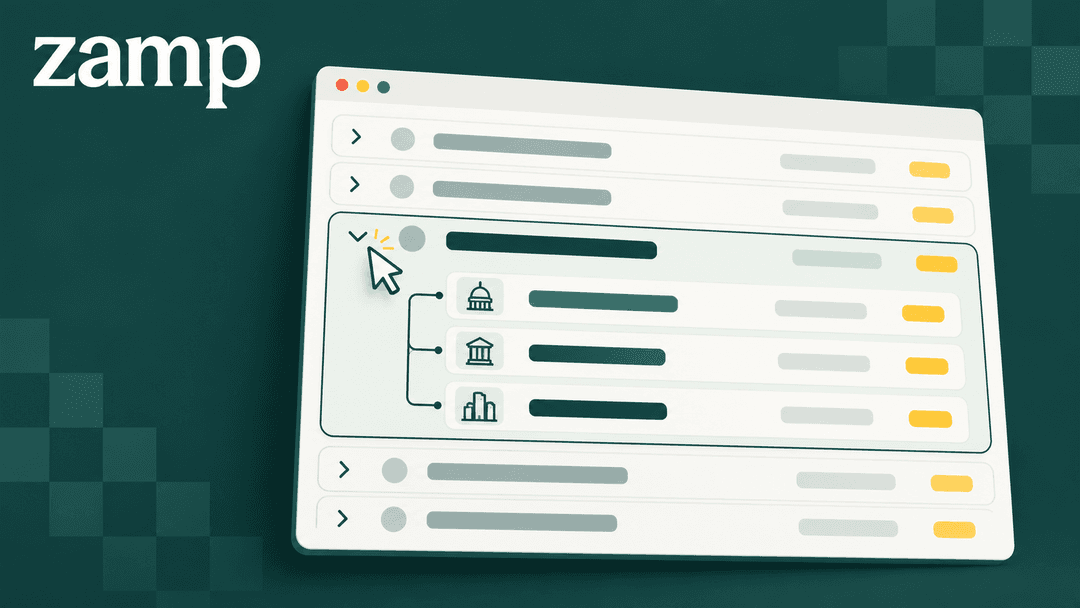
Open a transaction, see every jurisdiction.
Expand any line item in a Zamp transaction and the tax splits out by jurisdiction. Each state, county and city gets its own row with the rate applied, how much of the amount was exempt, nontaxable or taxable, and the tax due next to the tax collected.
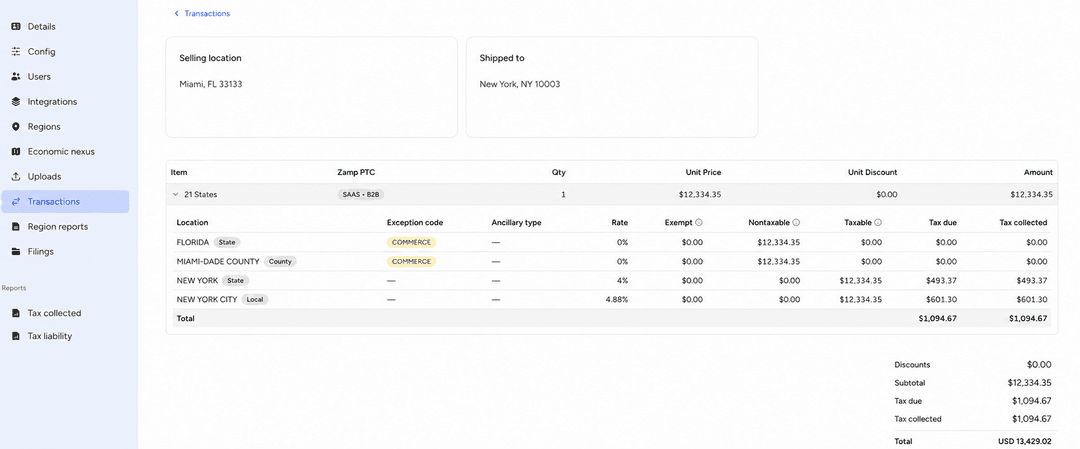
Two details do most of the explaining. Exception codes flag special treatment, such as a sale sourced out of state or an item bought for resale. Shipping and other ancillary charges show up on their own rows, so you can see whether they were taxed.
A Florida seller, with a New York customer.
A Miami business sells a $12,334.35 B2B SaaS subscription to a customer in Manhattan. Zamp calculates $1,094.67 in tax. Here's where it comes from:
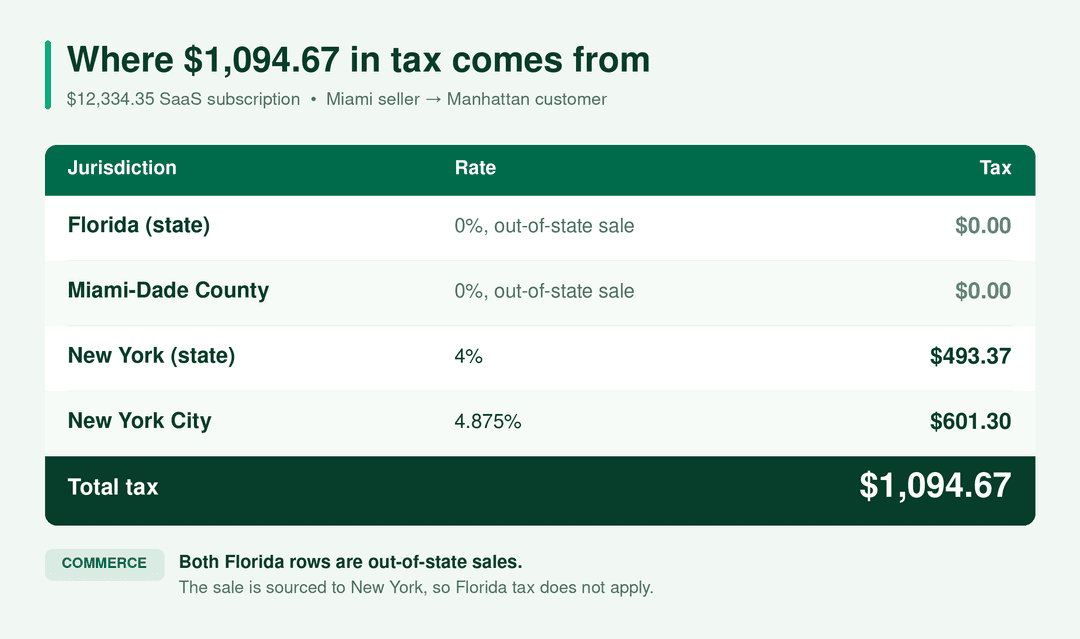
Both Florida rows carry a COMMERCE code. The sale was sourced to New York, so Florida tax doesn't apply.
Shipping, on its own line.
A Utah seller ships a $150 order of labels to Catawba County, North Carolina, with $40.28 in shipping. North Carolina taxes shipping on taxable goods. The breakdown shows $7.13 in state tax on the labels and $1.91 on shipping, then $3.38 and $0.91 at the county level. That's $13.33 in total.
Faster answers when someone asks why.
Zamp still handles your sales tax end to end. This changes how quickly you can explain a number to someone else. When a customer questions a charge, pull up the transaction and point to the row. When your CPA asks for jurisdiction-level detail, send the same view.