
Alex Steele
Writer



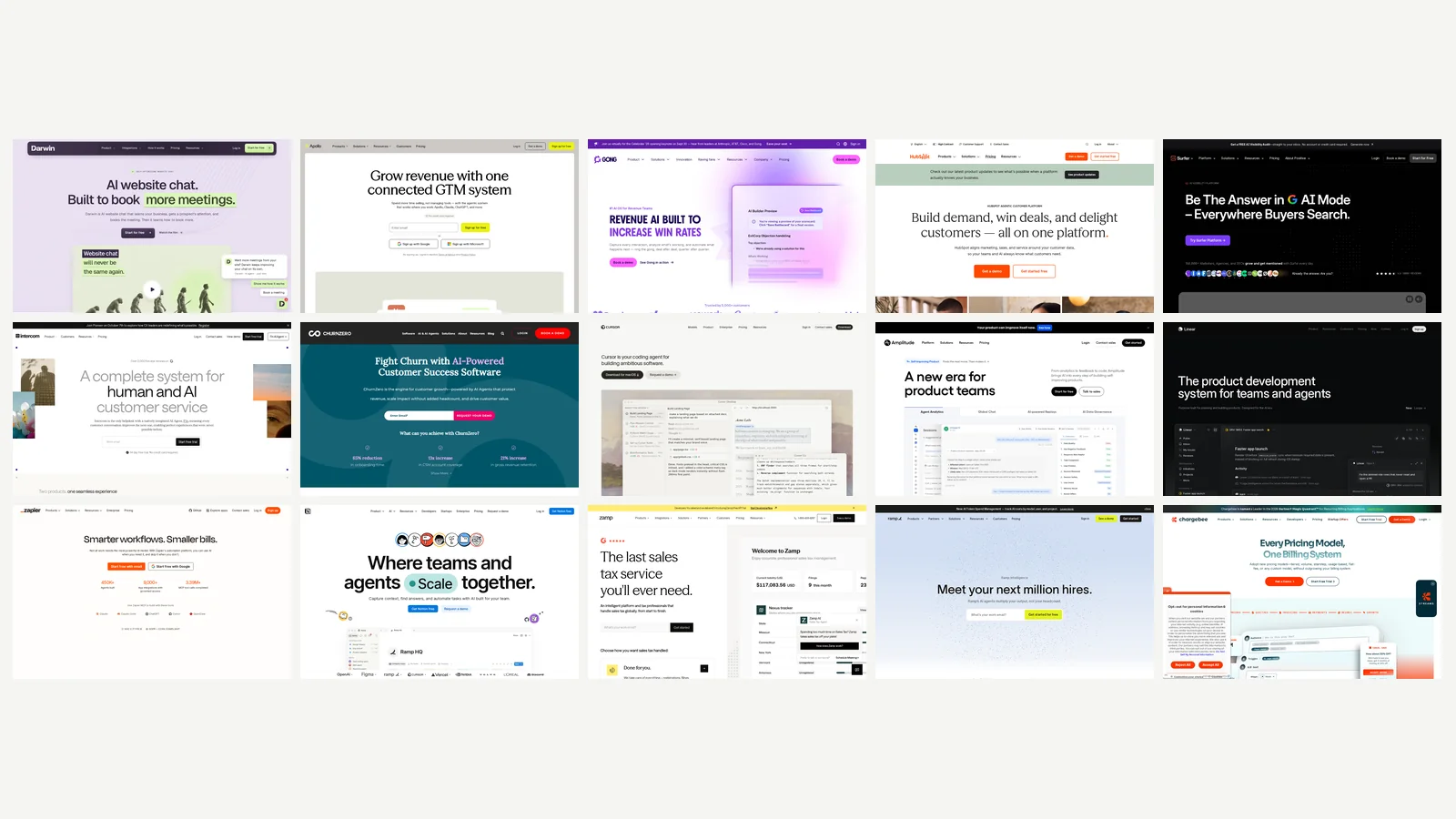

A seed-stage SaaS company runs on a few dozen paid tools. Almost none of them were chosen. Someone hit a wall on a Tuesday, started a trial, expensed it, and it stayed. Multiply that by two years and a handful of hires and you get the stack most companies actually have: a CRM nobody finished setting up, three products that each claim to do email, and an invoice nobody has read line by line since the seed round closed.
Then AI arrived in all of it at once. Not as new products, mostly. As a layer inside the products you were already paying for. Every vendor shipped an assistant, most of them attached a price to it, and the AI budget showed up without anyone sitting down to decide there should be one.
Two things, and both matter more than any single tool on this list.
The first is that assistants turned into agents. A 2024-era AI feature sat there waiting to be asked something. The 2026 version does work while you sleep. Linear plans a cycle and opens a pull request. Zapier runs multi-step jobs across your apps behind approval gates. Cursor grinds through a refactor in the background. ChurnZero writes the account summary before your CS lead has logged in.
Whether any of that is useful comes down to one question: what is the agent reading? An agent sitting on your CRM, your product events, or your billing data can do something a general chatbot cannot. An agent with a text box and no context is a chat window with better marketing. That distinction does more work in this guide than any feature comparison.
The second change is that pricing moved off the seat. Intercom's Fin charges $0.99 for each conversation it resolves rather than a monthly fee per agent. Darwin charges per booked meeting. HubSpot's Customer Agent bills per conversation it closes without a human touching it. Mostly this is good news, because you pay when the software works and not when it sits there.
It is also a forecasting problem. Your bill now moves with your volume rather than your headcount, and the metered unit is rarely the one you would have picked yourself. Zapier's AI steps consume three tasks each and MCP calls consume two. Apollo runs on credits, and the plans marked unlimited have a fair-use policy sitting underneath them. Those details never come up in the evaluation and always come up on the invoice.
Most lists of AI tools organise themselves by software category. A section for AI writing tools, a section for AI chatbots, a section for AI analytics. That is how a software directory thinks. It is not how a company thinks, and it leaves you comparing products that would never sit in the same budget line. Very few of those lists print a price. Almost none of them say what the thing does badly.
So this one runs the other way round, starting from six jobs a SaaS company has to do whether or not it has the people to do them: bring in revenue, market, keep the customers it already won, ship product, run operations, and handle money along with the compliance that follows the money. Fifteen tools across those six jobs. Every entry gives you the same three things:
Four questions decided what made the cut. Is there an AI capability with a name on it, or is "AI-powered" doing all the work in the tagline while a rules engine does the work in the product? Would a company somewhere between seed and Series B realistically buy it, or is the smallest plan built for a 500-person team? Can you see the price without a sales call, or at least start for free this afternoon? And does the job it does show up in revenue, retention, or hours saved, rather than in a slide about "transformation"?
That last question is why some well-known tools are missing. There is a section near the end on what we left out and the reasoning behind each omission.
Companies between roughly seed and Series B. Five to fifty people. Selling software, mostly in the United States. That shapes everything below: every tool here either starts free or starts under a few hundred dollars a month, and every one can be bought without a procurement process or a steering committee. If you are evaluating a platform that needs a six-month implementation, this is the wrong list and you already know it.
On price, two warnings. Every figure here was checked in September 2026 and every one of them will drift, so confirm before you sign anything. More importantly, on the metered tools the sticker price is not the price. Find the unit the tool bills on, then forecast that unit twelve months out at your current growth rate. That number is your real cost, and there is a section at the end that walks through how to work it out properly.
Where to start depends on where you are. Three founders and no revenue yet? Read the engineering and revenue entries and skip the rest, because the free tiers cover more than you would expect. Ten people and selling? The stack-by-stage section near the end has the arithmetic already done. Past Series A? Start with support and retention, which is where per-seat pricing stops making sense first.
One disclosure before the list. No affiliate links and no paid placements. We use several of these tools at Zamp, and Zamp is one of the fifteen, in the finance and compliance section. We say so in the entry itself rather than in small type at the bottom of the page.
Nowhere has AI moved faster than in revenue tooling, and nowhere is the marketing louder. We picked three that each do one job you can describe in a sentence. Turn the people already on your website into meetings. Run outbound without paying a data vendor and a sequencing tool separately. Coach your reps once you actually have reps.
Best for: booking demos from the traffic you already have.
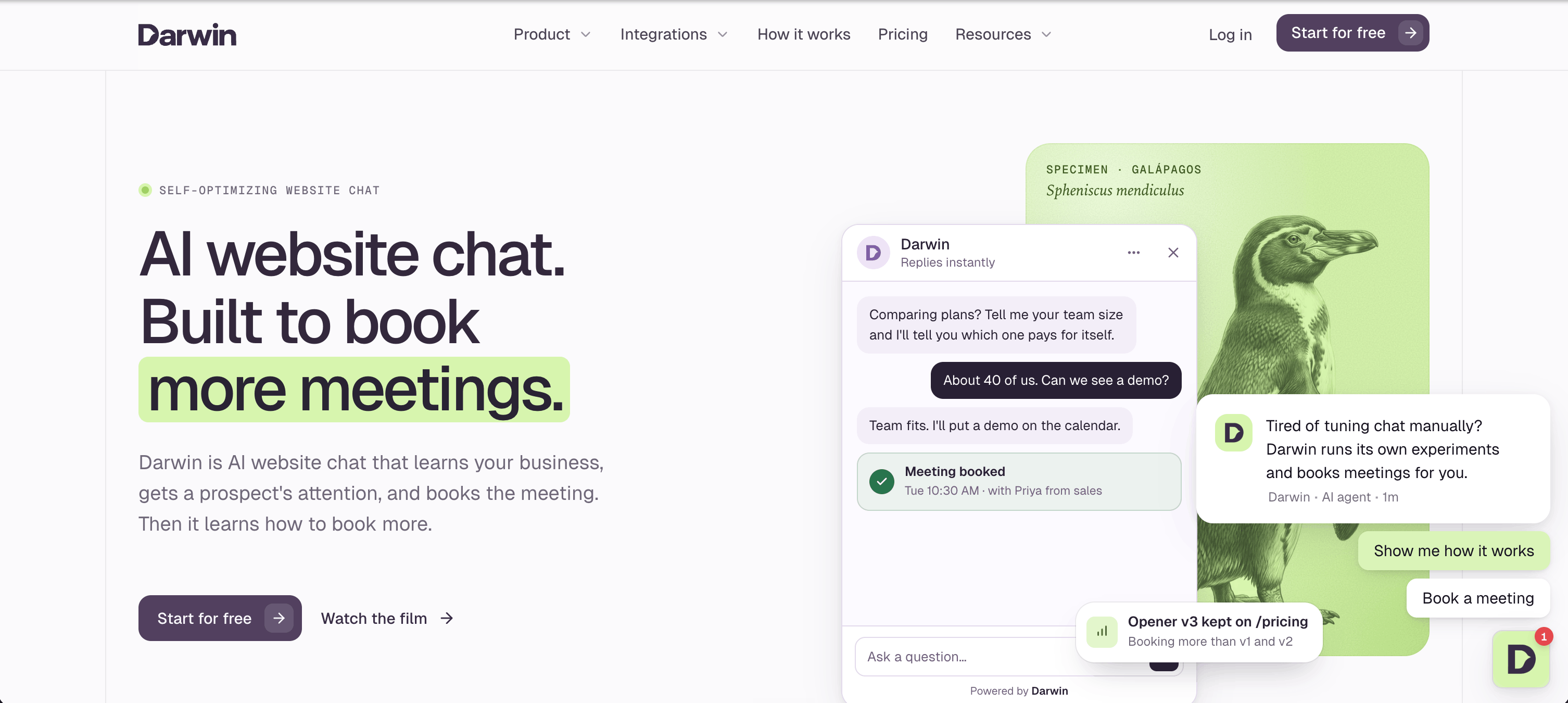
Setup is one step: hand it your URL. From there Darwin is an AI chat widget built for B2B sites, reads your pages, drafts a knowledge base, borrows your fonts and colors, and starts answering visitors. When someone's interested it opens your scheduler right there in the chat window (Calendly or RevenueHero, for now) and books the meeting. Your scheduler still owns the calendar, so nothing downstream changes.
The clever bit is what Darwin calls autonomous experiments. On each page it writes its own opening line and quietly pits that line against the one you're running. The challenger only wins if it books more meetings, not just more chats, and only if the page has enough traffic to say so with a straight face. Quiet page? Darwin leaves your current opener alone rather than crowning a winner on twelve visits. Then the next test starts from whatever won. Nobody on your team has to think about it, which is the whole appeal.
Darwin Pricing: per booked meeting, not per seat. The first 5 bookings are free, then $20 apiece. Paid plans are $99, $299, and $699 a month with 5, 20, and 60 bookings included, and the overage rate comes down as you climb.
Watch for: it lives on your website and nowhere else, and it's a young product. Don't expect a wall of logos yet. The experiments also need real traffic to work; a page nobody visits won't get optimized, because there's nothing to optimize against.
Best for: founder-led sales and your first SDR hire.
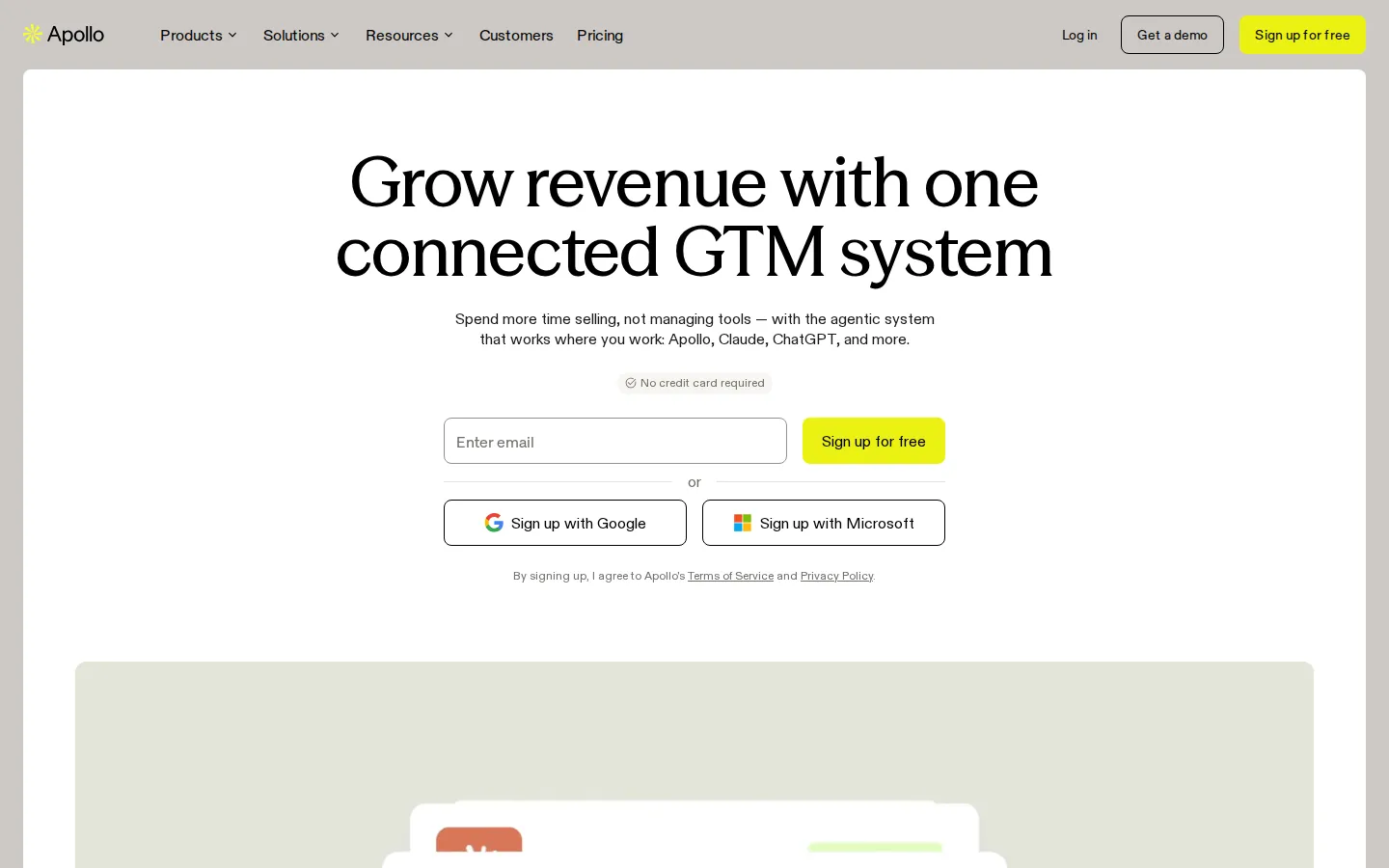
Two hundred and forty million contacts, by Apollo's own count, with sequencing, a dialer, and enrichment bolted on. Sitting on top of that is a growing crop of AI agents that research accounts, build lists, and draft outreach. In practice you'll live in two features: the AI Assistant and the Sequence Builder. There's an MCP server as well, so if your team already thinks in Claude or ChatGPT, Apollo's data can meet them there.
Pricing: the free plan gives you 900 credits a year. Basic is $49 per user per month on annual, Professional $79, Organization $119 with a three-seat minimum. AI research unlocks at Professional.
Watch for: credits. Everything runs on them, and the "unlimited" plans have a fair-use policy underneath. If the AI is why you're buying, plan on Professional from the start and save yourself the upgrade conversation.
Best for: SaaS companies that have a sales team to coach, which usually means post-Series A.
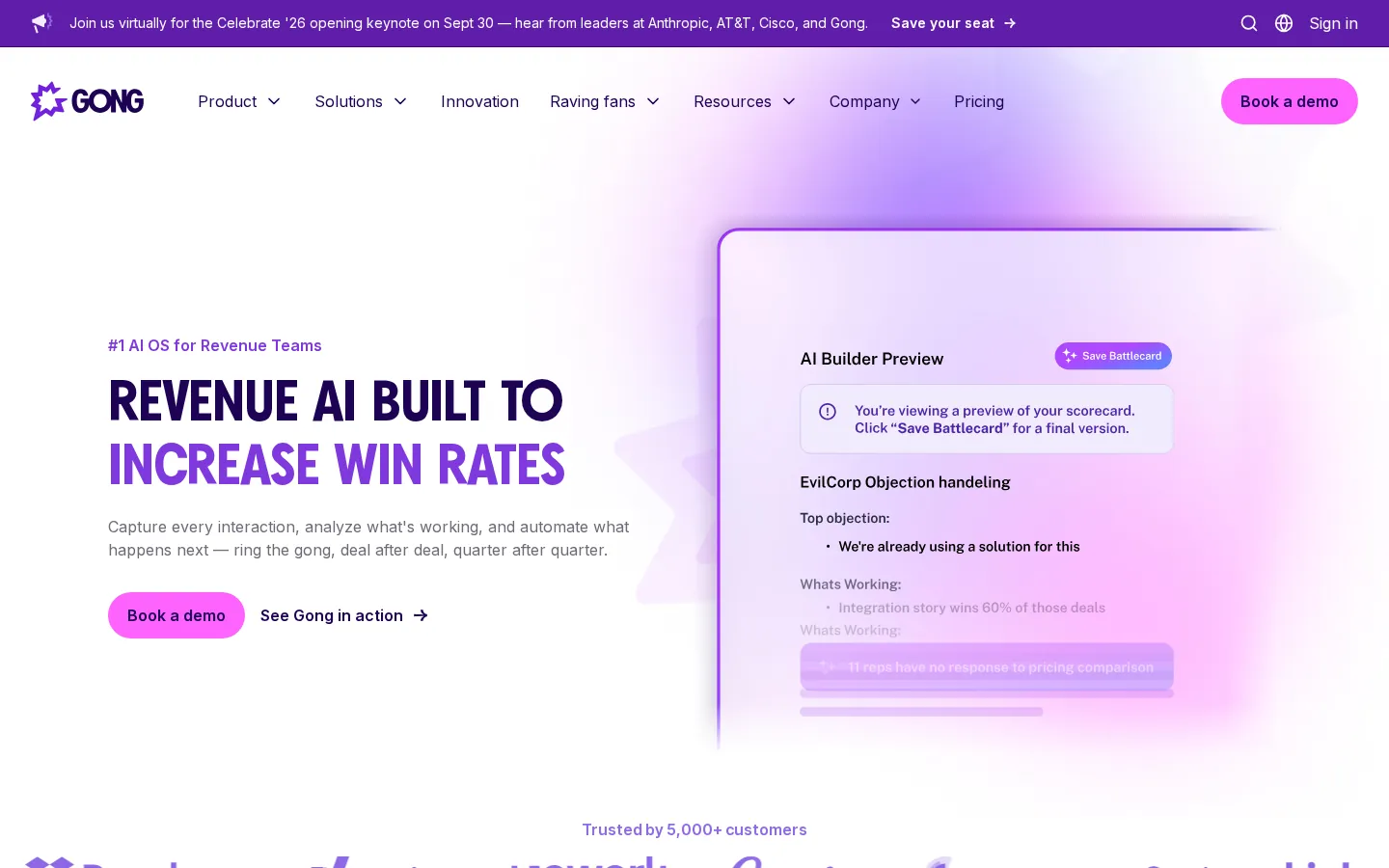
Calls, emails, CRM activity. Gong takes the lot and puts AI to work on the pile. Agents write the follow-up and update the pipeline for you. An AI Deal Reviewer tells you what's wrong with a deal before your rep does. Forecasting leans on a few hundred signals instead of a gut feeling on a Friday. When you have four AEs and a sales leader who needs to know which deals are real, this is the tool that answers the question.
Pricing: not published. You pay per-user licenses plus a platform fee that grows with your team.
Watch for: buying Gong is its own sales cycle, and that platform fee is real. If the founder is still the one closing deals, wait.
Best for: teams already living inside HubSpot CRM.
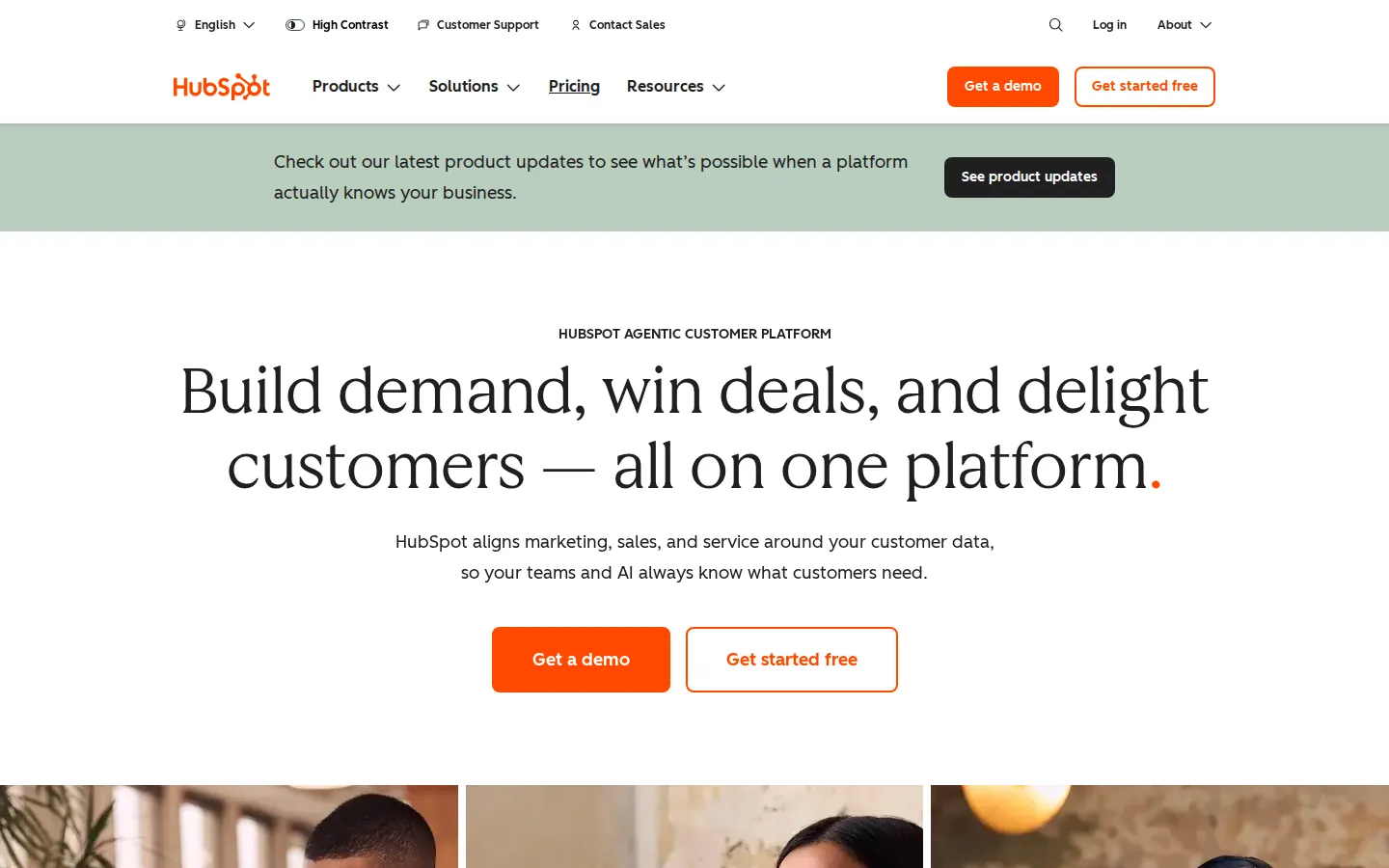
HubSpot calls its AI layer Breeze. Breeze Assistant is the helper that follows you around the app. Agent Hub is where the agents live, and there are several: a Customer Agent for support conversations, a Prospecting Agent that watches for buying signals and kicks off outreach, a Content Agent that drafts blog posts and landing pages, and a no-code Agent Builder for whatever you dream up. The reason to use any of it over a generic assistant is that it runs on your CRM data, not on the internet's.
Pricing: the CRM has a free tier. Starter lists at $20 a seat per month and is discounted more often than not. Agent Hub ships with every paid edition. The agents run on HubSpot Credits at a penny each, and the Customer Agent only charges its 50 credits when it closes a conversation without a human touching it.
Watch for: credits turn into a variable line on your invoice, and the marketing pages are vague about how many you get at each tier.
Best for: a small content team that publishes SEO and AI-search content every week.
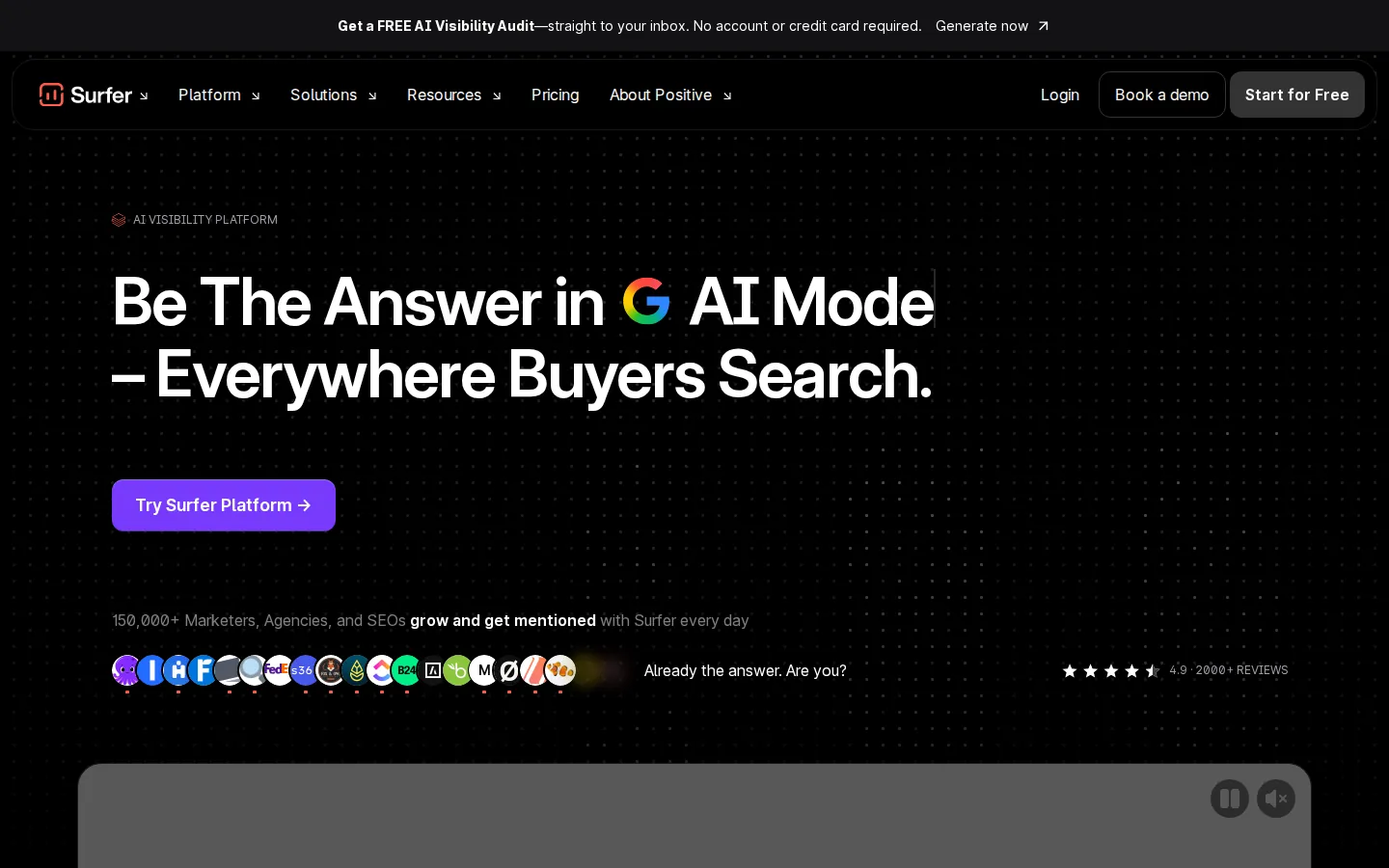
Surfer started life as a content editor that grades your draft against whatever is already ranking, and it still does that well. Lately it has added something more interesting: tracking whether your brand shows up in ChatGPT, Perplexity, Gemini, and Google's AI answers. Surfer AI will write the article, the AI Tracker watches the prompts you care about, and a humanizer and detector come in the box.
Pricing: Discovery is $49 a month billed yearly. Standard is $99, Pro $182, Peace of Mind $299. Tracking across several AI models starts at Pro.
Watch for: document and tracked-page quotas. Two writers doing four posts a week will blow through Discovery in a month.
Best for: deflecting Tier 1 tickets once you have a knowledge base worth pointing an AI at.
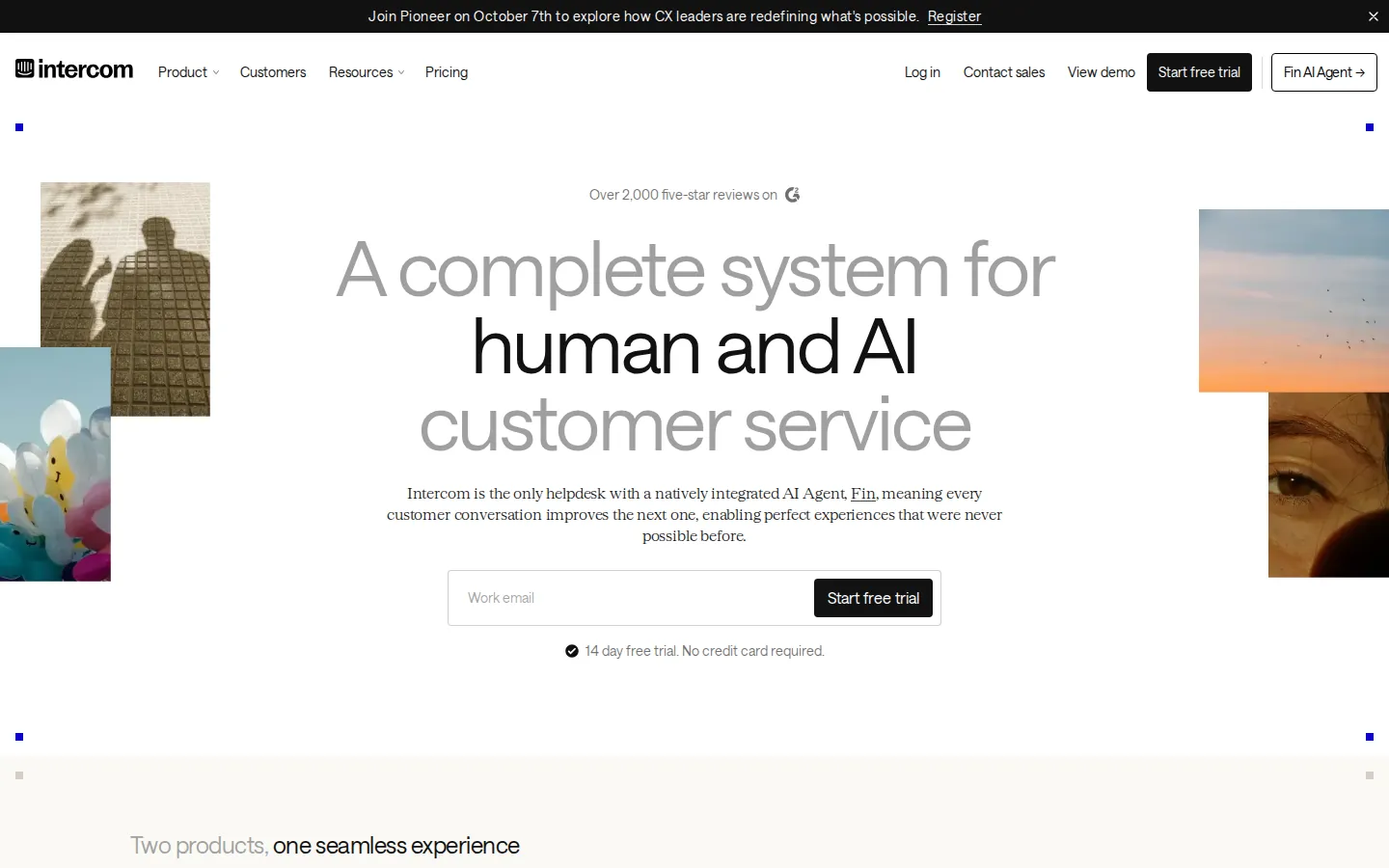
Fin is Intercom's support agent. It answers customers over chat, email, SMS, WhatsApp, and social, follows whatever procedures you hand it, and knows when to pass the conversation to a person. You can run Fin inside Intercom or bolt it onto Zendesk, Salesforce, HubSpot, or Freshworks and leave your helpdesk alone.
Pricing: $0.99 for each conversation Fin resolves, on top of Intercom seats at $29 to $132 per seat per month. Standalone Fin has a 50-outcome monthly minimum. The Early Stage program knocks 93% off year one if you've raised under $10 million and have fewer than 15 people.
Watch for: seats plus outcomes plus add-ons gets hard to predict once ticket volume grows. Do the math before you flip it on, not after the first invoice.
Best for: SaaS companies with an actual customer success function.
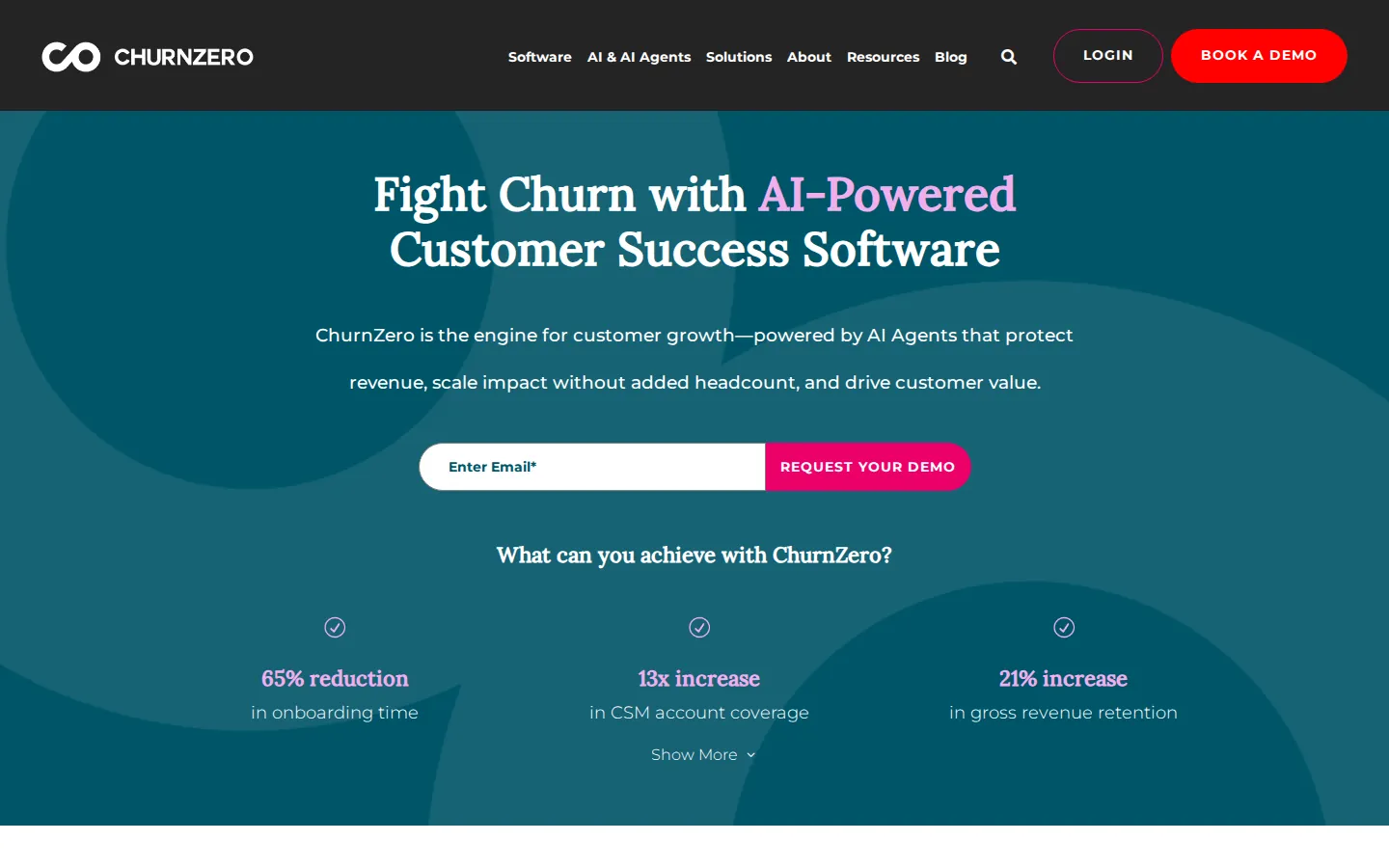
Product usage, billing, support history. ChurnZero boils all three down to a health score per account, then fires automated plays off that score. The Customer Success AI layer has grown to fifteen named agents that write account summaries, read sentiment, take meeting notes, and flag risk. There's an MCP connector, so a CSM can ask it questions from Claude or ChatGPT instead of clicking through dashboards.
Pricing: not published. ChurnZero describes flat-rate tiers with AI credits bought up front.
Watch for: it's a heavy implementation. If you're seed stage with 30 accounts, a spreadsheet and a weekly call will do for now.
Best for: every engineer you employ, full stop.
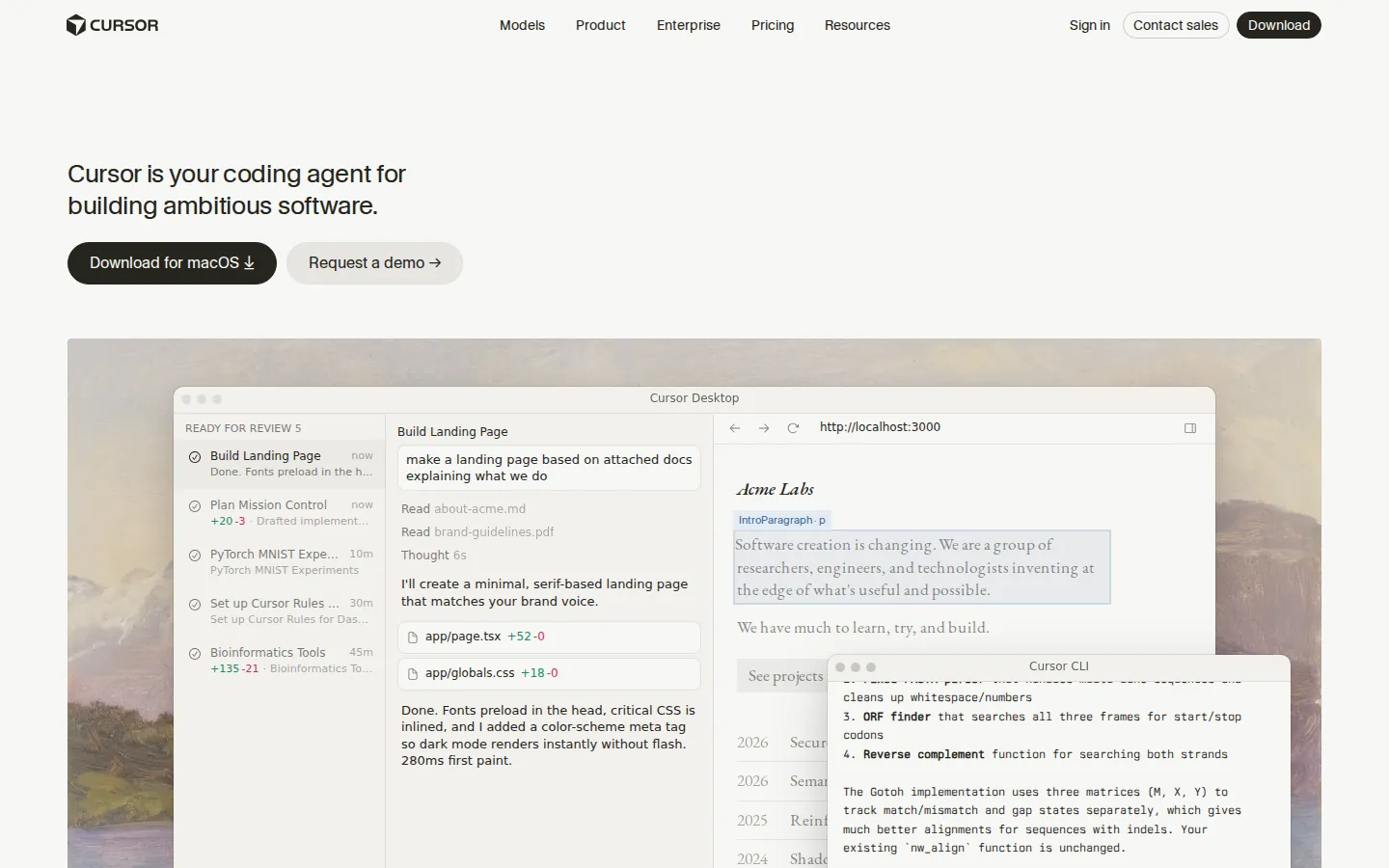
Your engineers have probably installed this one already, without asking anyone. Cursor is a fork of VS Code. Tab does completions. Agent takes a plain-English request and edits across files using whichever frontier model you point it at. Cloud agents grind through tasks in the background while you do something else, and Bugbot reviews pull requests before a human has to. It became the default early-stage editor on merit.
Pricing: Hobby is free. Pro is $20 a month, Pro+ $60, Ultra $200. Teams Standard runs $40 per user monthly or $32 on annual.
Watch for: the engineers who lean hardest on Agent will drain the usage pool fastest. Cursor repriced its Teams plans in mid-2026 for exactly this reason, and said so plainly: power users were making costs impossible to predict.
Best for: product and growth teams at product-led companies.
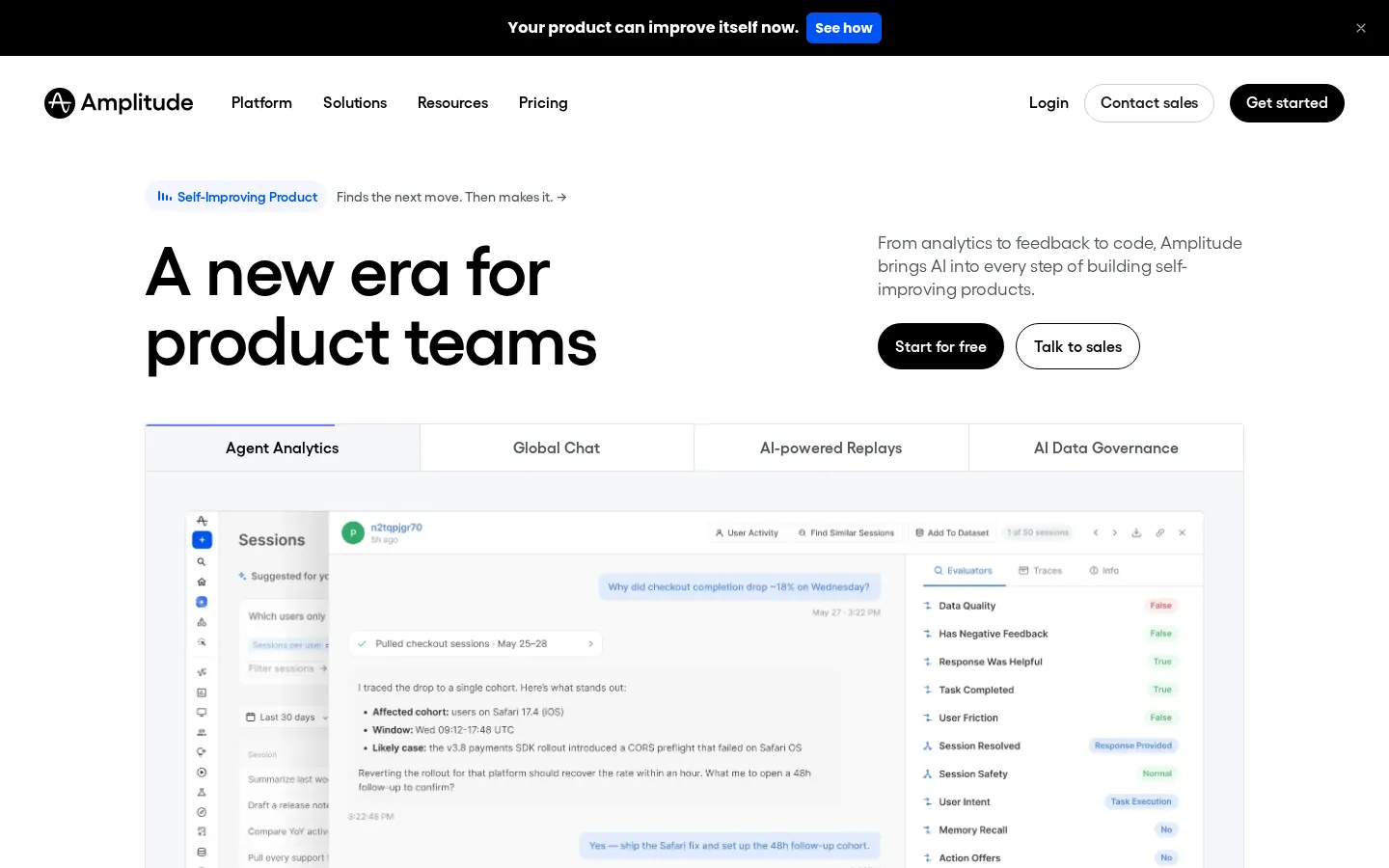
The product analytics suite most PLG teams already know: events, funnels, retention curves, session replay, experiments, in-product guides. The AI part is a set of agents that sit on your data and surface what's worth fixing, plus Agent Analytics, which tracks how the AI features inside your own product are performing with real users. An MCP server pipes Amplitude insights into Claude, Cursor, and Lovable if you'd rather ask than click.
Pricing: free forever up to 2 million events a month, with 10,000 session replays thrown in. Plus scales with usage from there. The Startup Scholarship covers a year of the Growth plan for companies under $10 million raised and 20 people.
Watch for: the day you outgrow self-serve, Growth and Enterprise are custom quotes, and they are not small ones.
Best for: engineering and product teams who want the agent inside the planning tool, not in a separate tab.
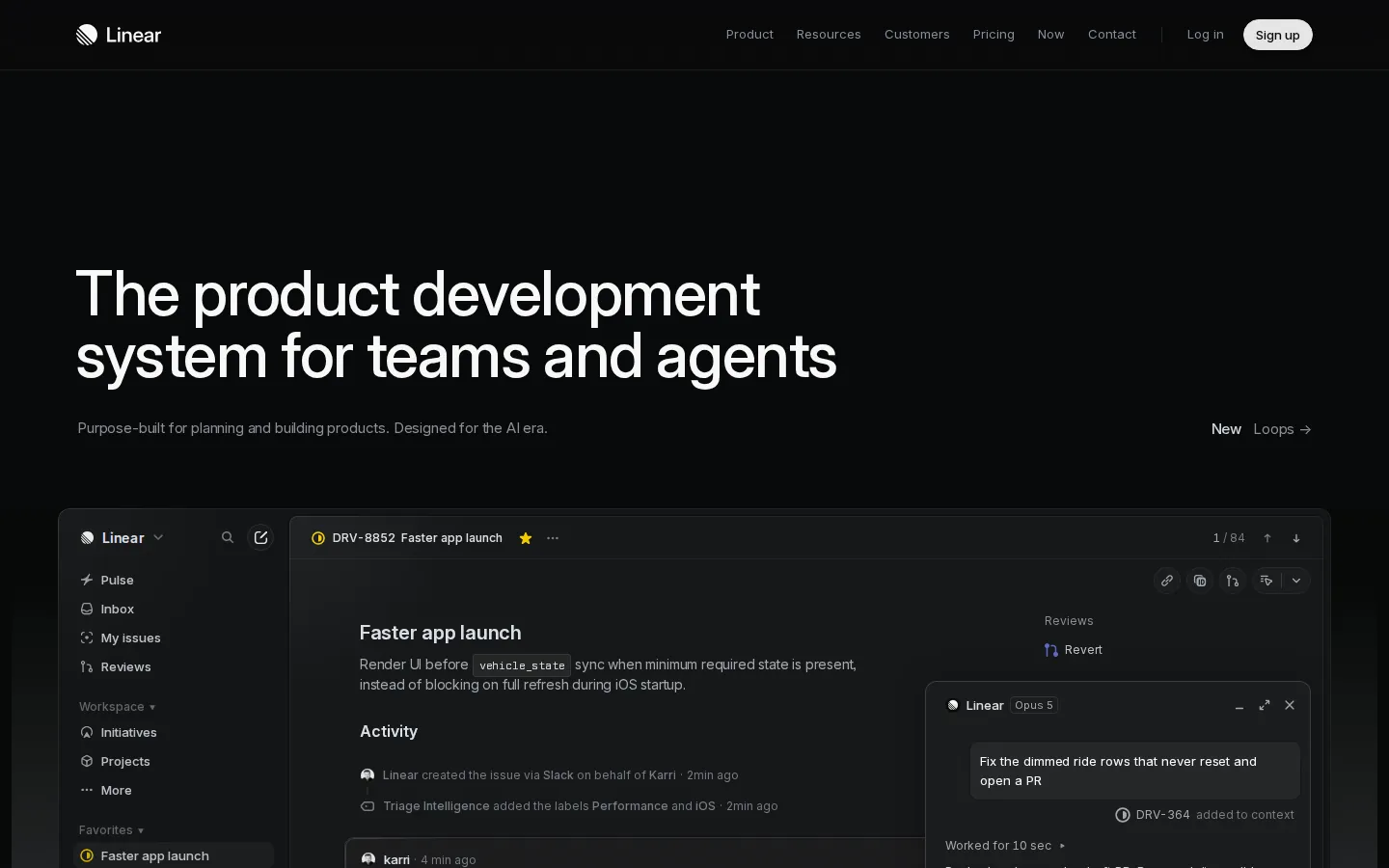
Linear is the issue tracker engineers stopped complaining about. Linear Agent reads your roadmap, your issues, and your code, and from that it answers questions, drafts project updates, plans cycles, and can open a pull request you review like any other. You can also assign an issue straight to an outside coding agent and let it take a swing.
Pricing: free up to 250 issues. Basic is $10 per user per month on annual, Business $16. Agent chat is included on every plan during the beta, and heavier agent work bills model tokens at cost, no markup.
Watch for: the automation features (Loops, Triage Intelligence, Asks) need Business or above.
Best for: the ops generalist who has to make the CRM, billing, support desk, and Slack talk to each other, and has no engineer to ask.
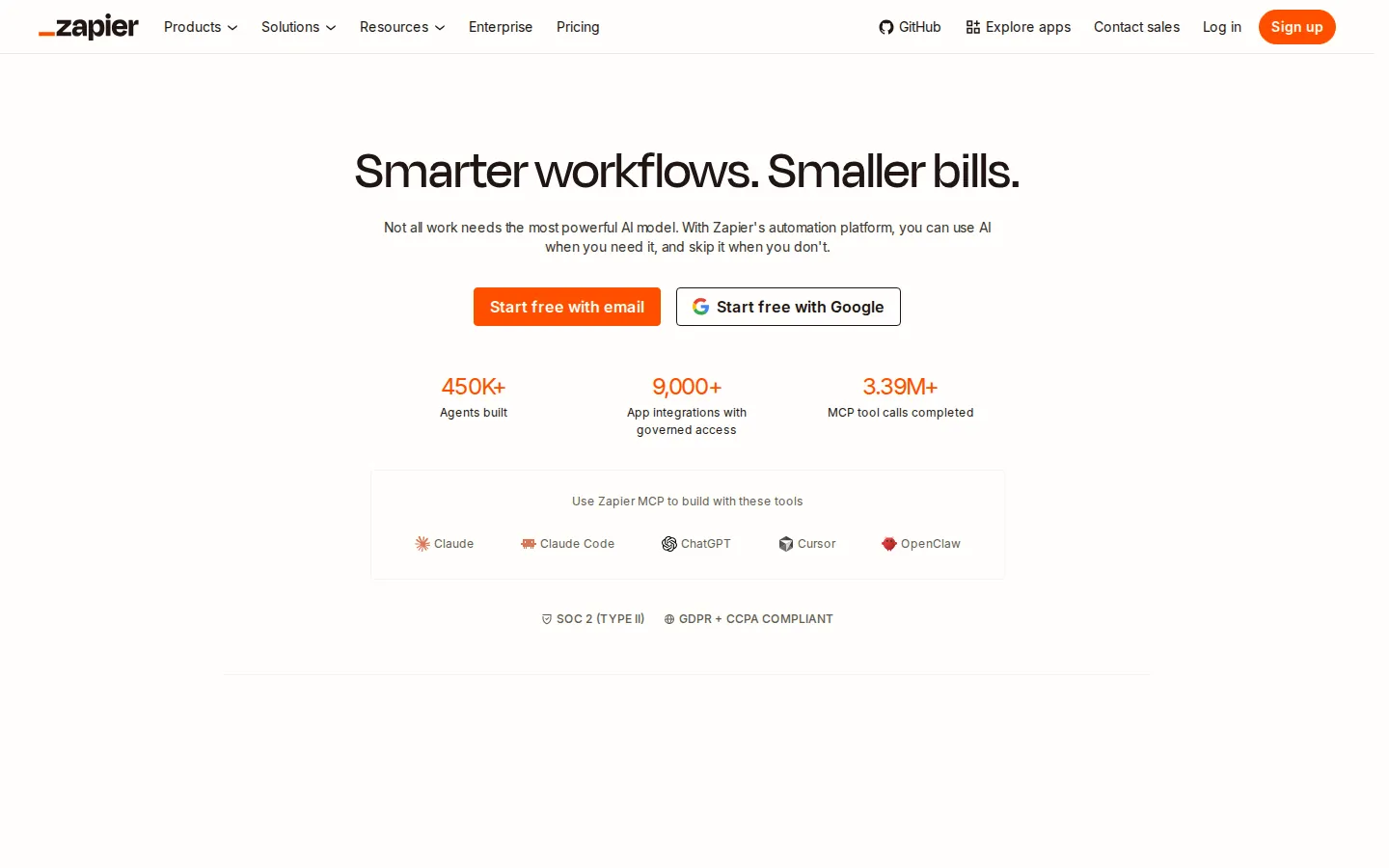
Zapier is still the integration layer everything else plugs into. Zapier Agents run multi-step work across your connected apps with approval gates and guardrails. AI by Zapier drops a language-model step into any Zap. Zapier MCP lets outside agents reach in and trigger Zapier actions.
Pricing: free up to 100 tasks a month. Professional from $19.99 a month, Team from $69. Agents get their own free tier of 400 activities a month, then $33.33 a month for 1,500.
Watch for: AI steps eat three tasks each by default and MCP calls eat two. The meter runs faster than the pricing page makes it sound.
Best for: startups whose docs and wikis already live in Notion.
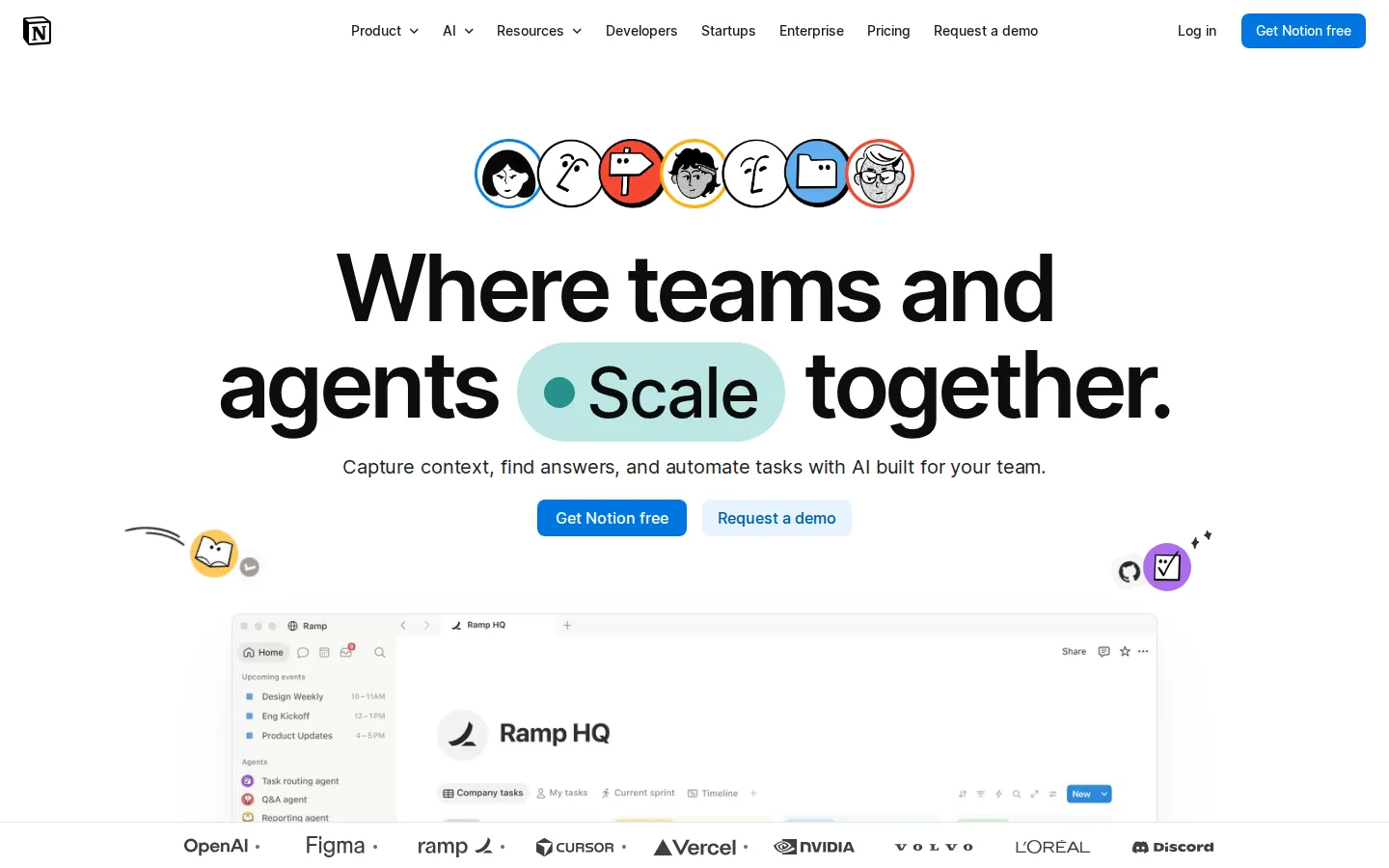
Notion Agent builds and edits pages and databases from what's already in your workspace. Custom Agents run on a schedule. AI Meeting Notes transcribes and summarizes the call. Enterprise Search reaches into Slack, GitHub, and Google Drive as well as Notion. And it's model-agnostic, so swapping providers doesn't mean starting over.
Pricing: the full AI package needs the Business plan at $20 per member per month. Custom Agents are $10 per 1,000 credits once the trial runs out.
Watch for: Free and Plus only get a taste of the AI. If AI is the reason you're upgrading, you're paying for Business, period.
Here's the category every other list skips, and it's the one that hands you the ugliest surprises. A state registration you didn't know you needed, or a quarter of expenses coded wrong, will cost you more than any marketing tool on this page will ever save.
Best for: SaaS companies that have crossed economic nexus in a handful of states and want the whole thing handled, not managed by them.
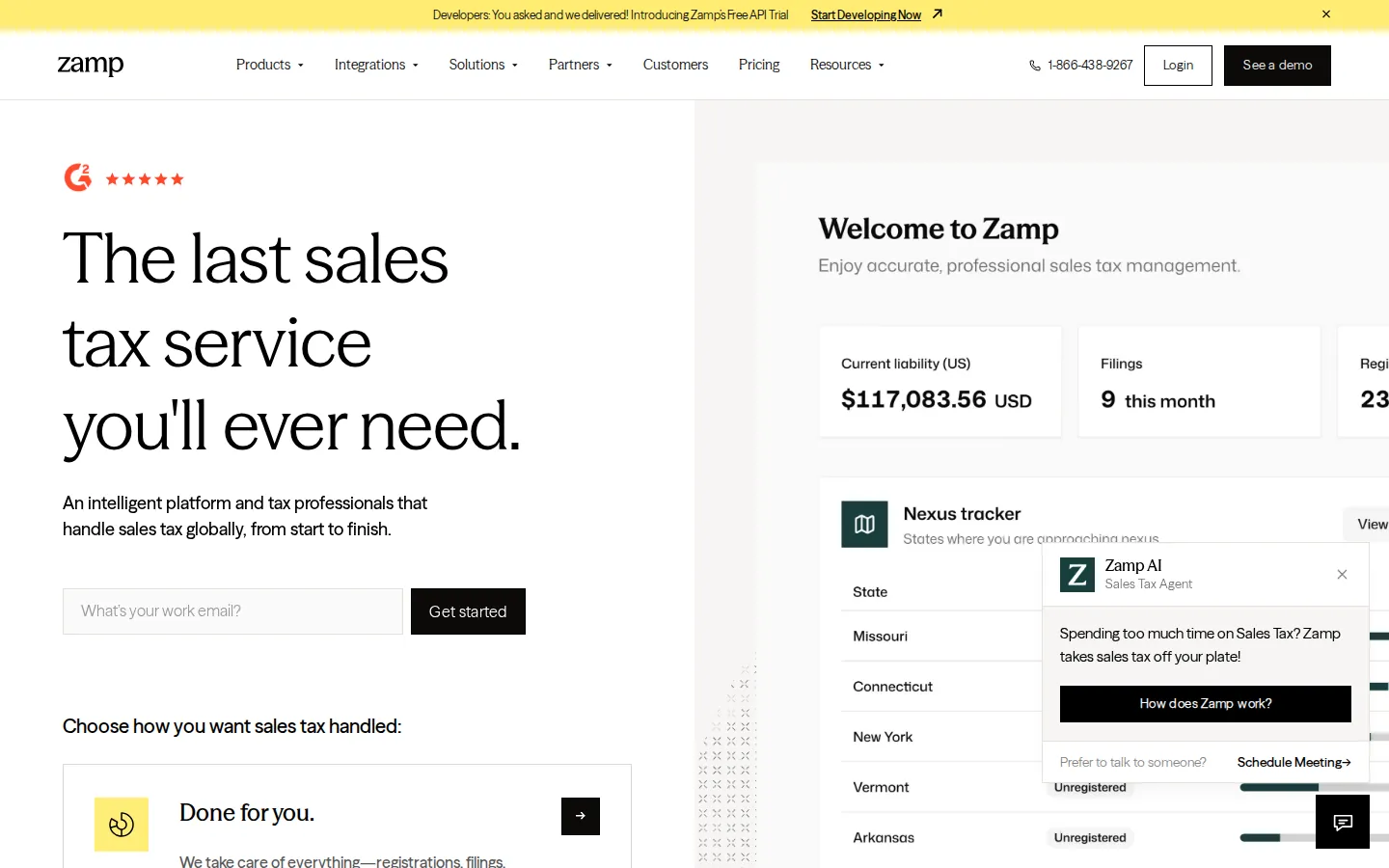
Full disclosure: this one is us. Zamp is a managed sales tax service, and we mean that literally. There's a platform, and it does the software jobs: nexus monitoring, rooftop-accurate calculations, and an API that plugs into Stripe, Chargebee, QuickBooks, and NetSuite. Then there's a tax team, with former state auditors on it, and they do the jobs nobody at a startup wants: registrations, filings, remittance, notices, audit support. If a Zamp-managed calculation or filing results in penalties or interest, Zamp covers the cost. We call that the Zamp Commitment, and it comes with every subscription.
Where does AI come in? The platform watches thresholds and does the math continuously. People review and sign off before anything goes to a state. Our position, which is also our pitch, is that you shouldn't have to understand sales tax to get it right.
Pricing: the free tier includes a nexus assessment with ongoing monitoring, a product taxability review, and an API sandbox. Paid plans (U.S., and U.S. plus Canada) are scoped to your business, with no per-transaction or per-filing fees.
Watch for: there's no self-serve paid tier. You will end up talking to one of us.
Best for: the founder or finance lead who is still personally doing expenses and AP.
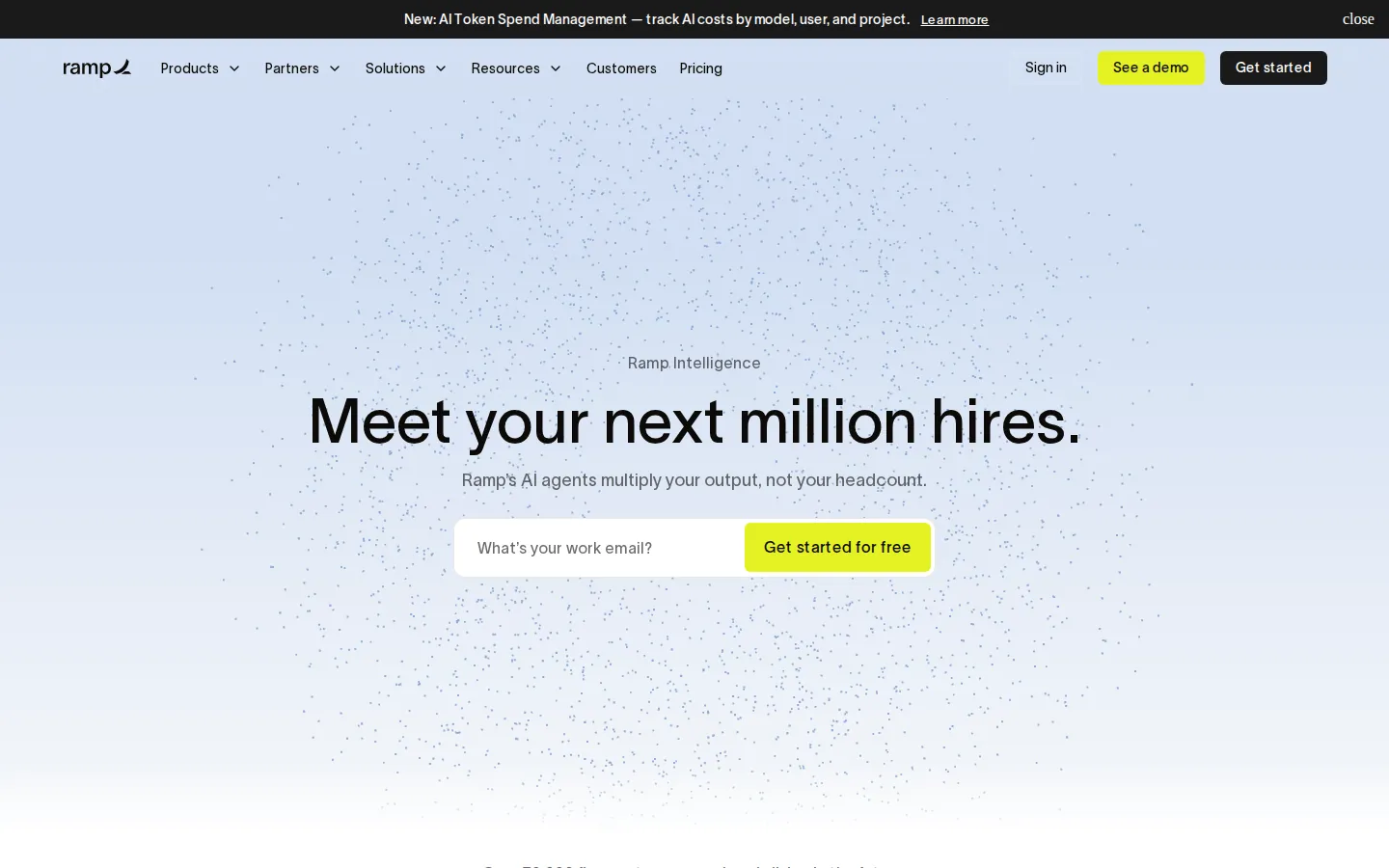
Cards, expenses, and accounts payable in one place, with an AI layer over the top that Ramp calls Ramp Intelligence. Ramp Agents code transactions, flag fraud (including receipts that were themselves made by AI, which is now a thing), match invoices three ways, and answer employee policy questions so you don't have to. It also benchmarks your software spend against tens of thousands of other companies on the platform, which is occasionally humbling.
Pricing: the base plan is free, cards and expenses and AP included. Ramp Plus is $15 per user per month plus a platform fee, and Plus is where the AI expense reviews and field-level auto-coding live.
Watch for: most of the AI sits behind Plus, and Ramp doesn't publish that platform fee.
Best for: startups whose pricing has outgrown a hand-rolled Stripe subscription.
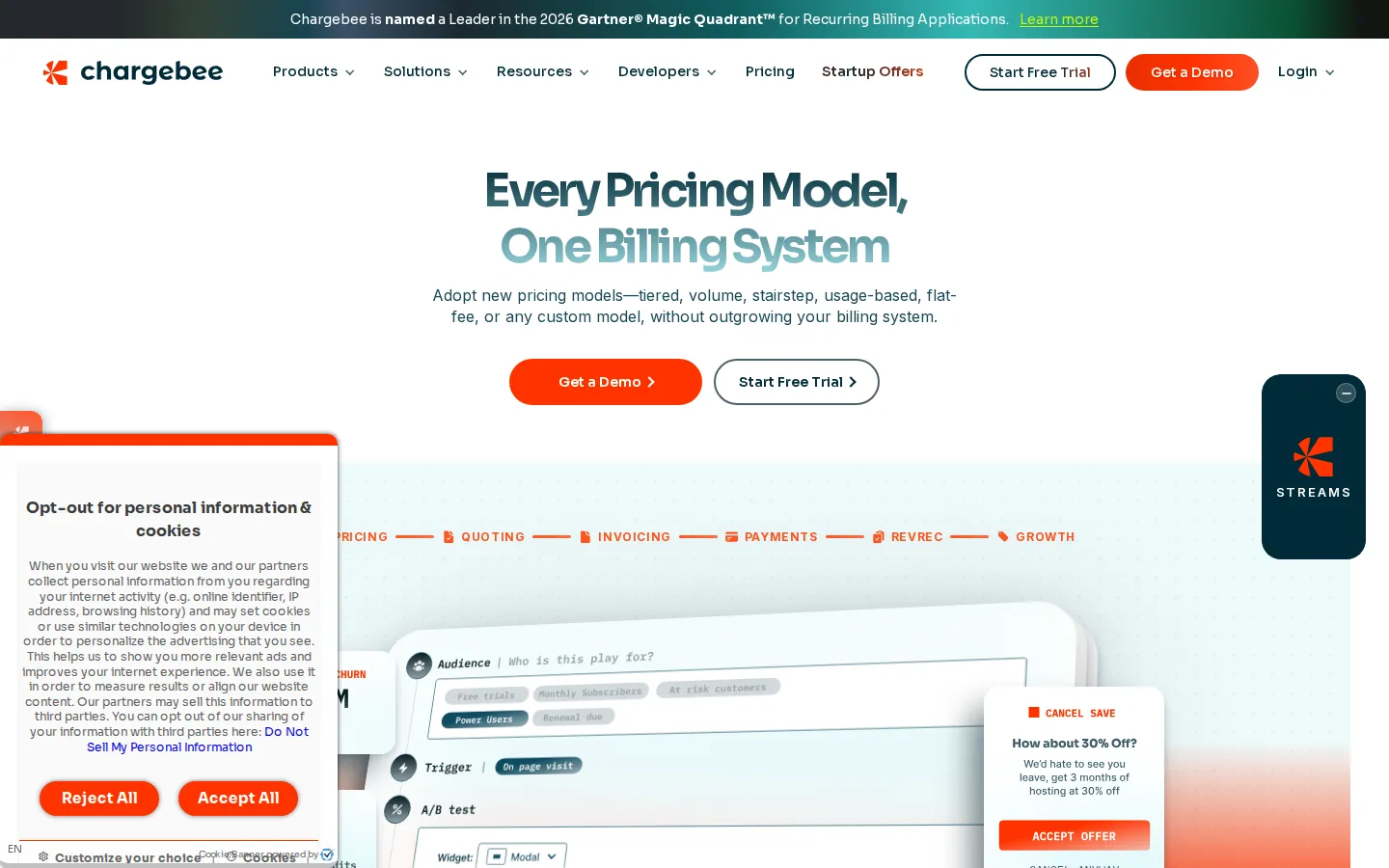
Subscription, usage, hybrid, per-agent-action: Chargebee bills all four, and picks up dunning, revenue recognition, and retention offers on the way through. Chargebee Copilot answers plain-language questions about your billing data. Revive uses machine learning to retry a failed card when it's most likely to go through. Churn risk scores trigger save offers, and an MCP server connects your billing data to Claude, ChatGPT, and Cursor.
Pricing: Flow is free until you pass $20,000 in monthly invoicing, then 0.80% of volume, or $99 a month plus 0.65% if that works out better. Enterprise is custom.
Watch for: percentage-of-revenue pricing grows with you whether you like it or not, and RevRec and CPQ are quote-only.
Start with the job, not the tool. Write down the three things eating the most hours or the most cash this quarter, then buy for those three. For most SaaS startups under Series A, that shakes out to one revenue tool, one support tool, Cursor, and the finance stack. Add analytics when you have enough users to learn from. Add a CS platform when you have enough accounts to lose.
Where you can get it, prefer pricing tied to outcomes. Darwin bills per booking, Fin per resolution, HubSpot's Customer Agent per conversation it closes alone. Those invoices track value. Per-seat AI pricing tracks headcount, which is not the same thing at all.
And look at what the AI is grounded in. An agent running on your own CRM, product, or billing data is worth more than a general assistant with a chat box, every time.
Three snapshots, built from the published prices in this guide on monthly billing. Your mix will be different. The shape usually isn't.
Three founders, pre-revenue. Cursor Pro for three engineers is $60 a month. Everything else on this list starts free at that size: Apollo's free plan, Linear up to 250 issues, Zapier's first 100 tasks, Ramp's base plan, Darwin's first five bookings, Amplitude up to 2 million events, Chargebee under $20,000 in monthly invoicing, and Zamp's nexus assessment with ongoing monitoring. Sixty dollars, then $20 a booked meeting once Darwin has earned it.
Ten people, selling. Five engineers on Cursor Pro is $100. Two sellers on Apollo Professional is $158. Darwin's $99 plan covers five bookings. HubSpot Starter across five seats is $100. Linear Basic for ten people is $100. Notion AI needs the $20 Business seat, so $200. Zapier Professional is $19.99. That comes to roughly $780 a month, with Ramp, Chargebee, and Zamp's free tier still at zero, plus Surfer's $49 if content is a channel you are genuinely running rather than one you talk about running.
Thirty people, Series A. Per-seat lines roughly triple and two new categories open. Fin bills $0.99 for every conversation it resolves, so a thousand resolved tickets a month is $990 before Intercom seats at $29 to $132 each. Amplitude leaves the free tier once you pass 2 million events. Gong and ChurnZero both arrive without a public number, which is its own budgeting problem. Past this point the stack runs north of $3,000 a month and two of its largest lines are quotes rather than prices.
One pattern is worth taking away. Metered tools stay cheap while you are small and grow with the thing they measure, which is the deal you want. Per-seat tools grow with headcount whether or not anyone is getting more out of them.
General assistants. Claude, ChatGPT, and Gemini are already in every company on earth. Counting them is padding.
AI SDRs that only add volume. Sending more sequences faster is not the constraint at seed stage, and the reply rates make that case better than we can.
Single-feature wrappers. If the entire product is one prompt and a checkout page, it is a feature of something you already pay for, and it will be free inside that thing within a year.
Enterprise platforms with a startup landing page. If the smallest real plan assumes 500 people and a six-month implementation, it does not belong on a list for companies between seed and Series B.
Standalone meeting notetakers. Notion and Gong cover the job for the teams that need it, and the category churns too fast to name a winner that will still be right in six months.
Find the meter first. Every tool here prices on something: seats, credits, tasks, events, resolutions, bookings, or a slice of volume. Find the unit, then forecast it twelve months out at your current growth rate. That number is the price. The sticker is not.
Ask what the AI is grounded in. An agent reading your CRM, your product events, or your billing data can do something a general chatbot cannot. An agent with a text box and no context is a wrapper with good marketing.
Test it on your worst input. Demos run on clean data. Point the tool at your messiest account, your strangest invoice, your most confusing support thread. That is the performance you will actually live with.
Read the exit before the entry. Contract length, export format, who owns the data you feed it, and what happens to that data when you leave.
Write down the kill criterion. Before the trial starts, name the one number that has to move and the date it has to move by. Tools that survive without a kill criterion are exactly how a company ends up paying for forty of them.
What are AI tools for SaaS startups?
Software a SaaS company uses to run itself, where a named AI capability does real work: booking meetings, resolving tickets, writing code, coding expenses. This list is about tools you buy. AI features you build into your own product are a different conversation.
Which AI tools are best for a SaaS startup with no sales team yet?
Darwin to turn site traffic into demos, Apollo's free tier for outbound, Cursor for engineering, Ramp for spend, and Zamp's free nexus monitoring so sales tax doesn't ambush you. All five start at $0.
How much do AI tools for SaaS cost?
Anywhere from nothing to a few hundred dollars a month per tool at startup scale. What to watch is the metering: credits, tasks, outcomes, or a slice of revenue. Metered pricing scales with usage, which is fair, but you'll want a forecast before you commit.
Do these tools train on my company's data?
Depends on the vendor and the plan. Most business tiers say customer data stays out of model training, but read the data processing terms before you connect a CRM or a billing system. Notion, Linear, and Cursor all publish privacy modes or opt-outs.
Is Zamp an AI tool?
Zamp is a managed service with an AI-driven platform under it. The software does the monitoring and the calculations. A tax team does the registrations, filings, and notices. If you want a tool to operate yourself, Zamp isn't that. If you want sales tax handled, it is.
Should we buy the AI add-on from a tool we already use, or a dedicated AI tool?
Start with the add-on when the data already lives there, because grounding beats sophistication. HubSpot's agents sitting on your own CRM will usually beat a cleverer standalone tool you have to feed first. Go dedicated when the job is the vendor's entire product, which is why Cursor beats an AI feature bolted into a general-purpose editor.
How do we stop paying for AI features nobody uses?
Audit the meter, not the logo. Once a quarter, open the usage page for every metered tool and read the actual number: credits consumed, tasks run, resolutions billed, events tracked. Anything sitting under a fifth of what you are paying for is either the wrong tier or the wrong tool. It takes an hour.
What should a seed-stage SaaS company budget for AI tools?
On the prices in this guide, a ten-person company running the stack described above lands near $780 a month before usage-based charges. Budget a second number beside it for the metered tools, because that is the one that moves when the company does.
Do we need all six categories on day one?
No. Engineering and revenue pay for themselves first, which is why Cursor and one revenue tool appear in every version of this stack. Support tooling waits until ticket volume is a real cost. A customer success platform waits until you have enough accounts to lose. Finance and compliance is the exception worth starting early, because sales tax liability accrues quietly whether or not anyone is watching for it.
.png)
%20(1).png)