Calculate rooftop-accurate sales tax and automate compliance for Adobe Commerce with Zamp’s native integration.

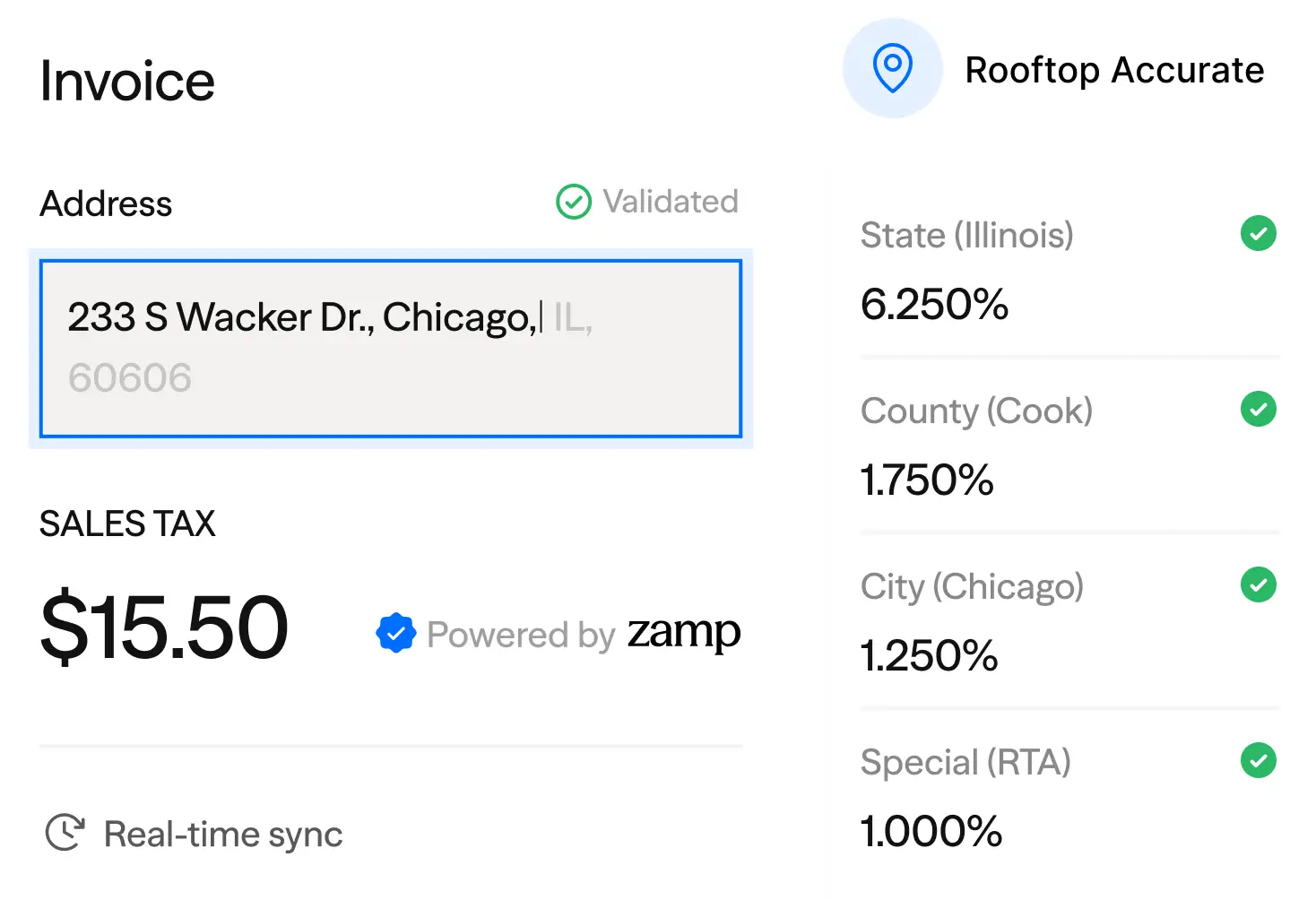

Tax calculation, exemptions, registrations, filings, remittance, and audit reporting are managed on a single platform.

Support DTC, B2B, marketplaces, returns, and adjustments with unified reporting and filing.

Support DTC, B2B, marketplaces, returns, and adjustments with unified reporting and filing.

A consistent team supports configuration and compliance, with no handoffs and no re-explaining.
1
2
3
4
Deploy Zamp from the Adobe Commerce Marketplace.
Assign tax codes to products, manage exemption status, and define nexus with guided onboarding to ensure accuracy.
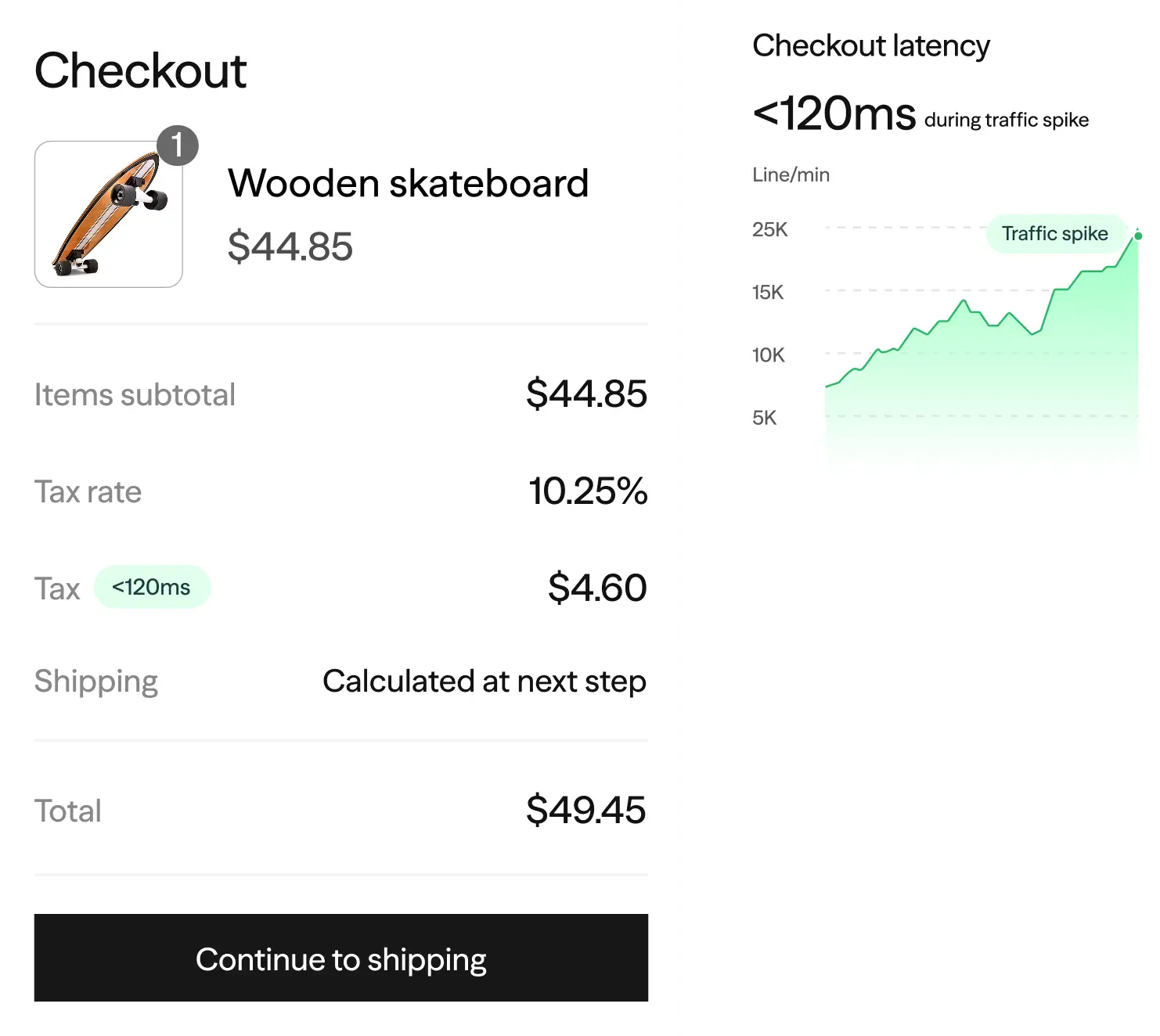
Apply rooftop-accurate tax at checkout, invoicing, and refunds with sub-second response.
Sync historical orders and credit memos, review jurisdiction-level liability, and activate managed compliance.
Still have questions? Call us at 1-866-438-9267
or email us at support@zamp.com.
Zamp recalculates and tracks tax at the line level across invoices, shipments, and credit memos, ensuring accurate jurisdictional reporting and filing for adjustments.
Yes. Transactions across multiple stores and websites can be unified for jurisdiction-level reporting and state filings.
Marketplace and direct transactions can be separated or consolidated to align with marketplace facilitator rules and state filing requirements.
Zamp maintains line-item, jurisdiction-level transaction history aligned to filing forms and audit documentation standards.
Nexus, registrations, and calculation logic are updated as your footprint grows, without requiring changes to your Commerce configuration.
Jurisdiction-level summaries tie directly back to orders, invoices, and credit memos for close and audit review.
The system is designed to support high-volume order and refund processing without degradation to calculation or reporting accuracy.
Regulatory updates are reflected centrally in Zamp’s calculation and filing logic, ensuring ongoing compliance without reconfiguration.
We connect where you sell. Explore the platforms we integrate with to see how Zamp simplifies your sales tax compliance.

0 Platforms